

The Journey
from Ideas to Shared Understanding
Every meaningful communication follows the same journey.
NextMind brings AI into every step — from the first spark of an idea to shared understanding across your audience.
One Workflow. One AI. One Shared Understanding.
Unlike traditional presentation tools that focus on creating slides, NextMind supports the entire communication journey—from thinking and expression to audience engagement and organizational alignment.
Every capability works together toward one goal:
Helping people build shared understanding.
NextMind Workflow
From Ideas to Shared Understanding:
Clarify → Structure → Refine → Visualize → Engage → Shared Understanding








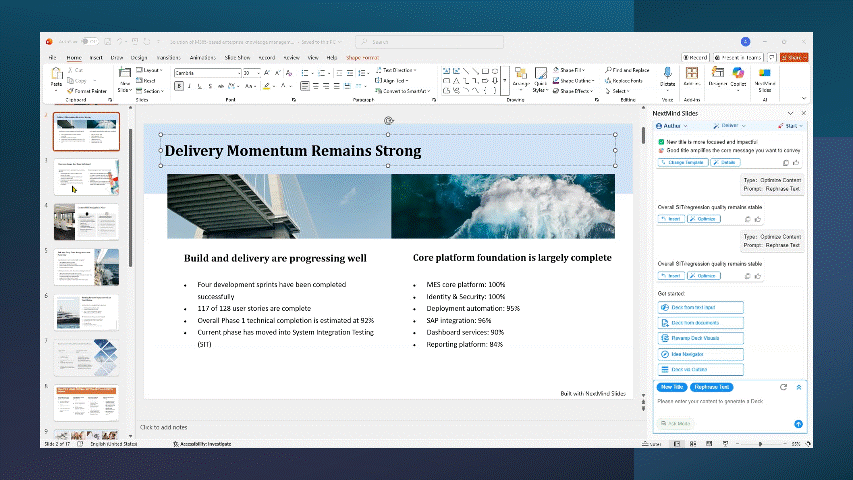

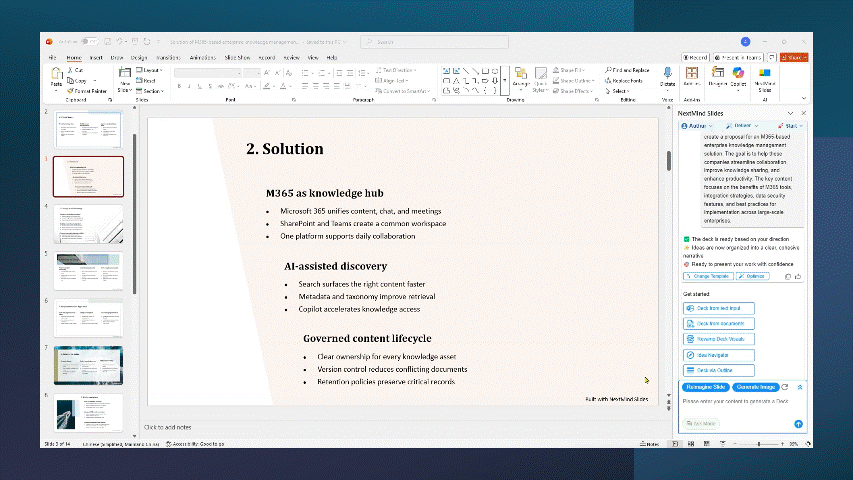




Clarify - Think before you create.
Great communication starts with clear thinking.
Explore ideas, clarify intent, organize your thoughts, and discover the best direction before creating your presentation.

02
Brief Clarify
Brief Clarify helps you clarify the audience, purpose, key points, and tone for your presentation before you create it. It ensures every slide aligns with your goals and communicates effectively from the very first draft.


03
Idea Navigator
Great presentations aren't built in one step.
Explore and refine your ideas through conversation, bring in supporting content, and shape your message before generating slides.
Turn rough ideas into clear stories.
04
Prompt Booster
NextMind Slides goes beyond instant slides generation by thinking with you first. It doesn’t just “generate”. NextMind elevates your prompt more professionally and spark new creative directions for you, so the deck aligns tightly with your needs.


